Find and join a tournament
Playing in a tournament is free on every plan. Following one needs no account at all.
Plans: Free What each plan includes
-
Open the directory Free
Go to score-all.com/tournaments/directory, or tap 🔎 Open the directory on the Events page. Filter by Search, Sport, State, Format and When, or tick Open for registration.
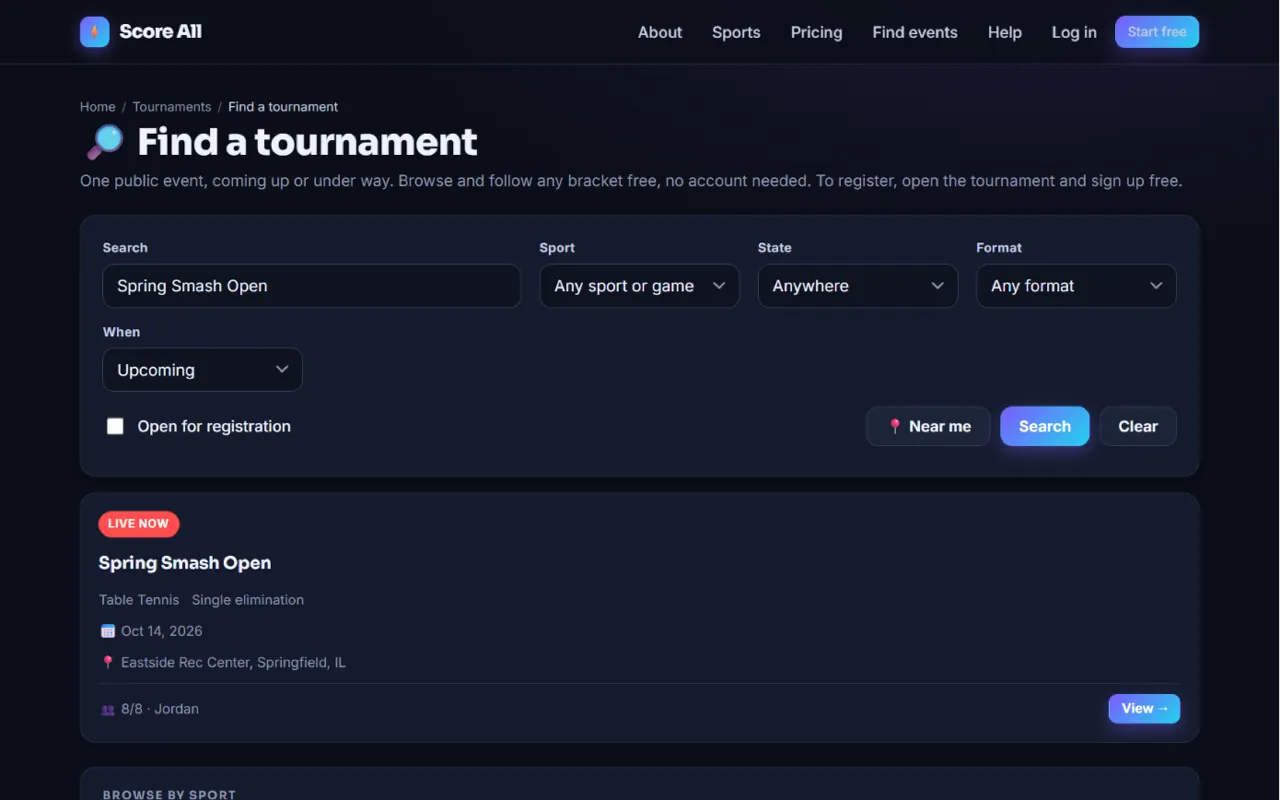
The tournament directory with filters 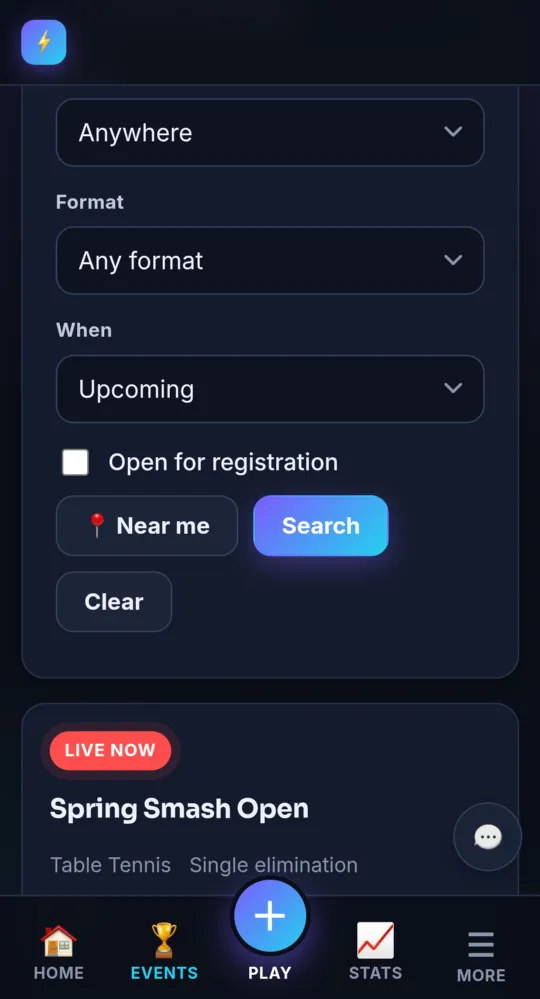
On a phone -
Find events near you Free
Tap 📍 Near me. Your browser asks for your location. Then the directory shows events in your state, with your city first.
-
Get an email about new events Free
In the 🔔 Tell me about tournaments near me box, type your Email, City and State, pick a sport if you like, and tap Notify me. You get one email for each new public event in your area. No account needed.
-
Open an event Free
Tap View & register → on an event. Its page shows the details and the roster, and later the live bracket.
-
Join a public event Free
Tap Join tournament. In doubles, type your partner’s name. Tap Join, and you see ✓ You are in. Not signed in yet? Tap Sign up free to register, or Log in to register.
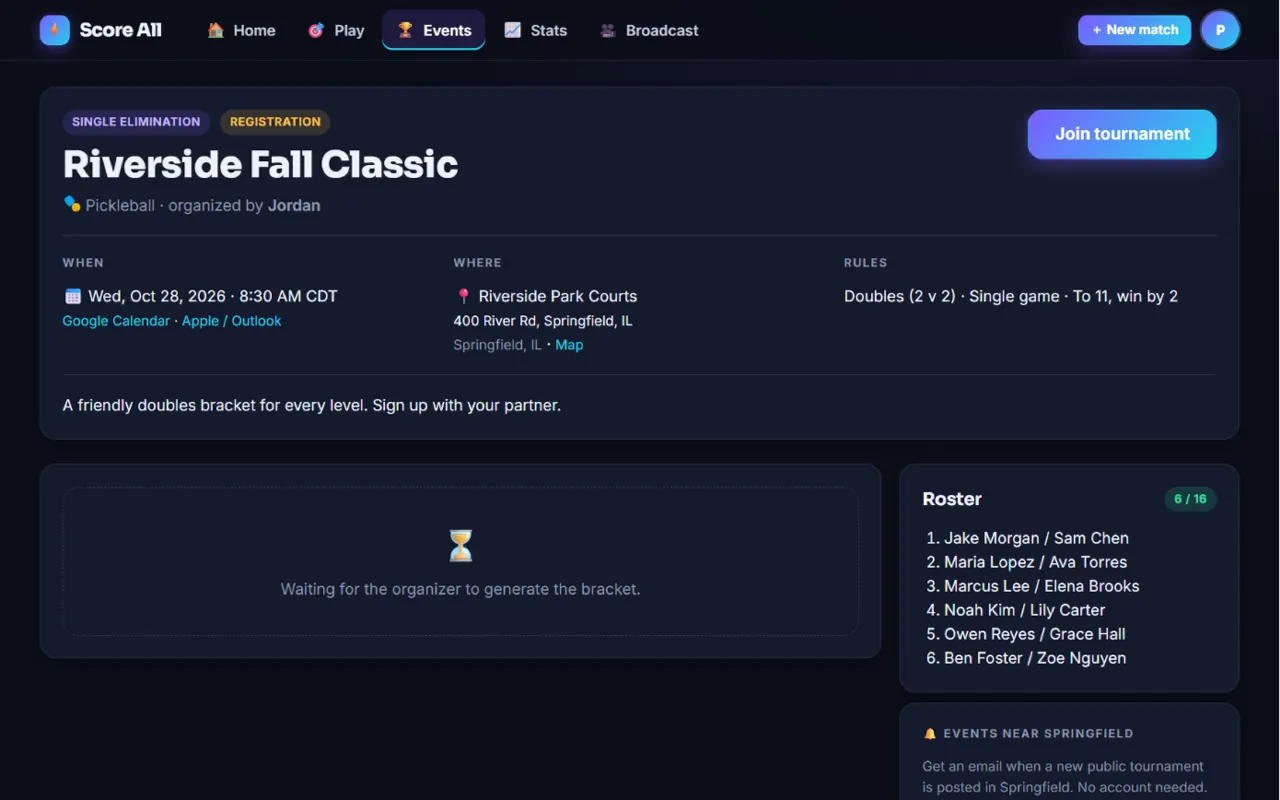
A public event page with the Join tournament button 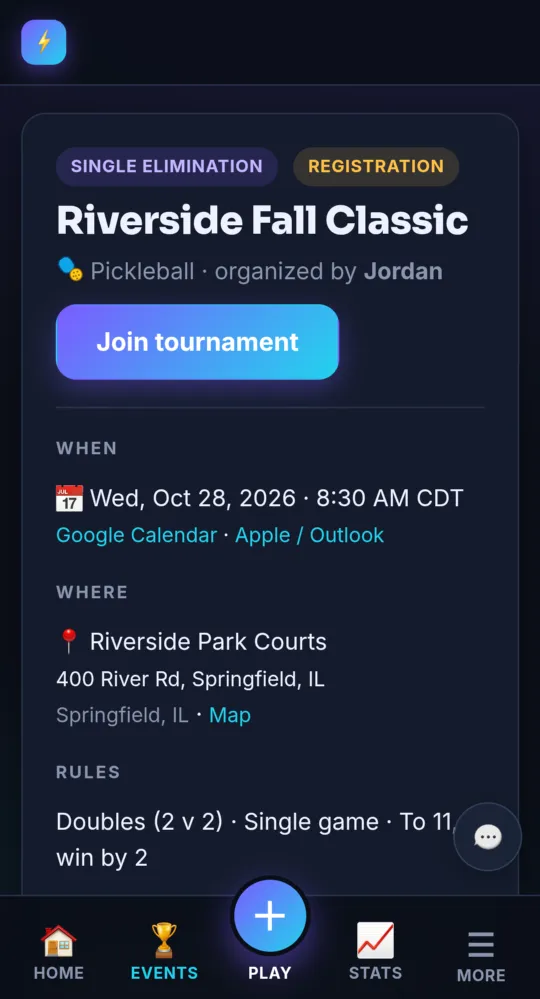
On a phone -
Join an unlisted event Free
Unlisted events are not in the directory. Anyone with the link can open the page and tap Join tournament.
-
Accept a private invite Free
Private events are invite only. If the organizer invites you, you get an email called “You are invited” and a notification. Open the event and tap Accept invite, or Decline.
-
Invited, but no account yet? Free
The invite email has a Create a free account to join button. Sign up with the same email address the invite went to. Once you are in, open the event and tap Accept invite.
-
On the day Free
Turn on notifications so you hear “You’re up on Table 2!” when your match starts. The event page shows the live bracket and scores.
-
Add it to your calendar Free
The event page has Google Calendar and Apple Calendar or Outlook (.ics) buttons.
- Changed your mind? Before the bracket is made, tap Leave on the event page.
Something not working like this?
Tell us what happened, or what is missing. We read every message.