Share the score
People watching never need an account. Everything below updates live, a moment after each tap.
Plans: Free What each plan includes
-
Send the scoreboard link Free
On the Match ready page, tap Copy next to Scoreboard link. Send it by text or post it anywhere. It opens the live score, the serve, the clock and the play-by-play.

The scoreboard link and its Copy button on the Match ready page -
Watch on the spectator page Free
The spectator scoreboard shows the score as it happens. Tap ⛶ to fill the screen. After the match, the same link shows the final result.
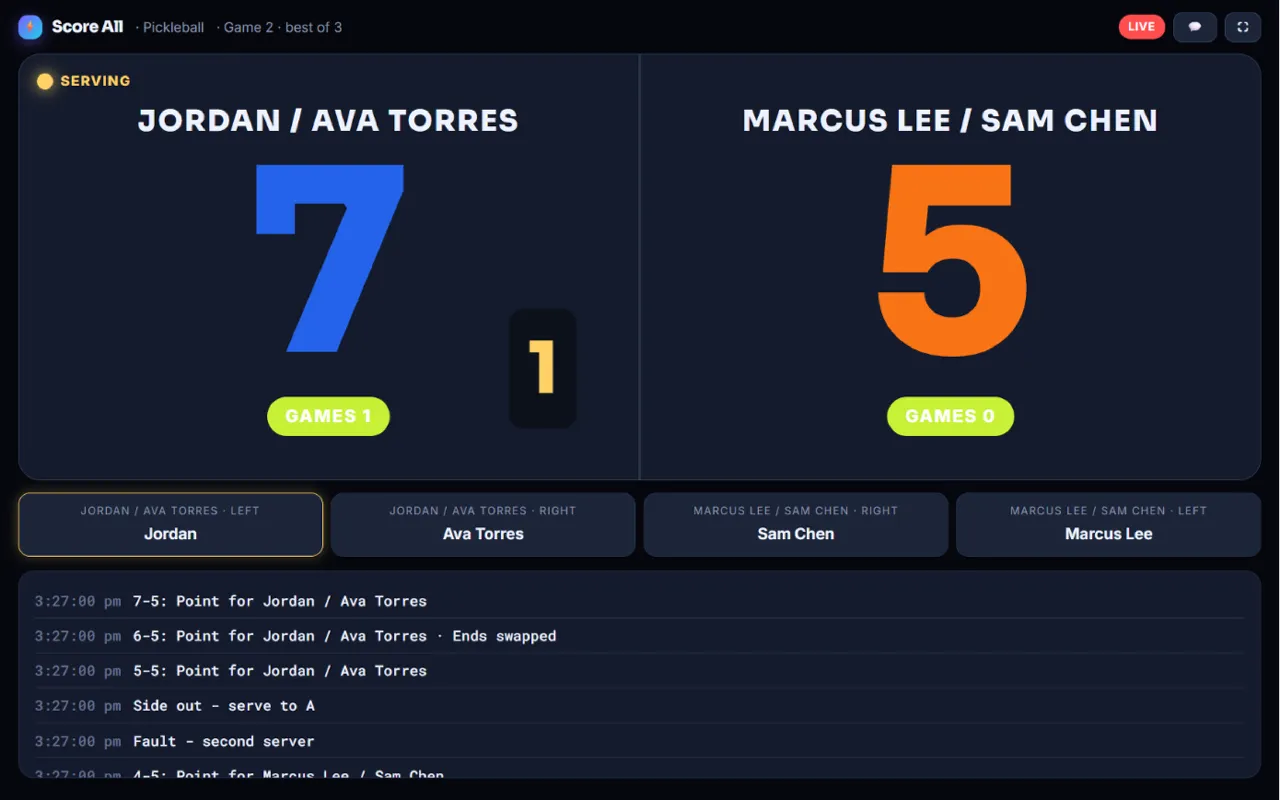
The spectator scoreboard 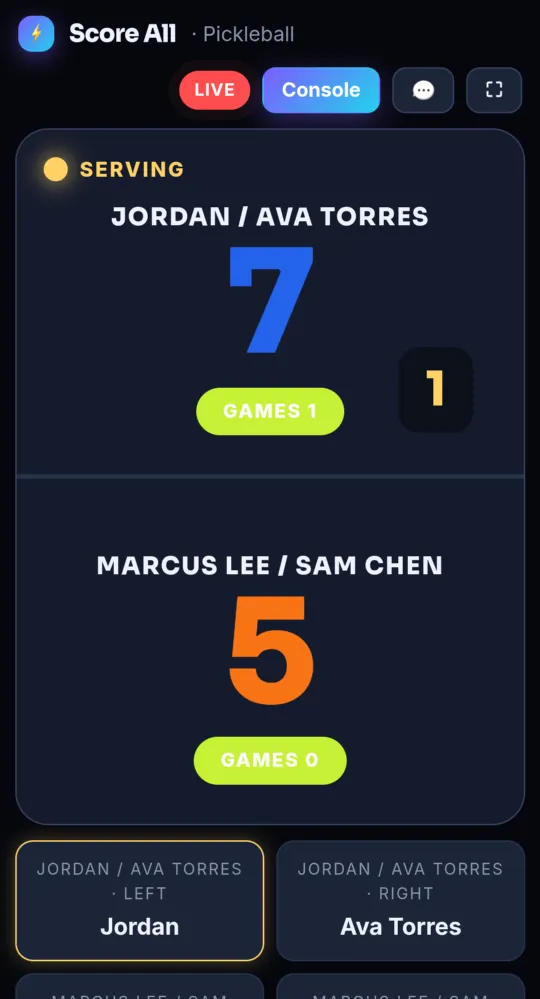
On a phone -
Put it on a big screen Free
Tap 🖥️ Big screen on the Match ready page. It is the same scoreboard with huge numbers, made to read across a room. Open it in a TV’s web browser or on a laptop plugged into a TV. It keeps the screen awake.
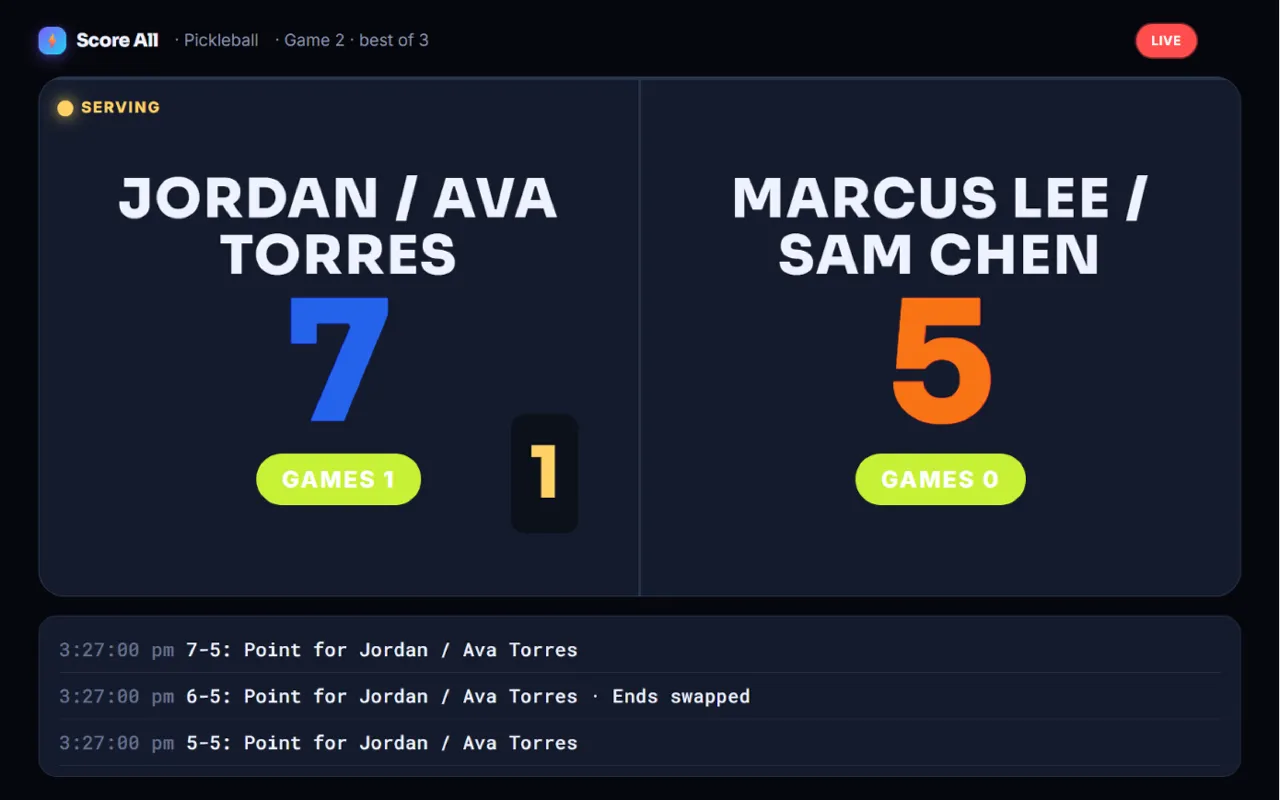
The big screen scoreboard on a TV -
Use the six-digit TV code Free
Each match has a TV code. You see it on the Match ready page and as 📺 in the console’s top bar. On the TV, open score-all.com/tv, tap Have a six-digit match code?, type the code and tap Show the scoreboard.
-
Or pair the TV once Free
A paired TV follows your matches with no code to type. See Pair a TV screen.
-
Hand the console to a referee Free
The Match ready page has a QR code. Scan it with another phone to open the referee console there. The person scanning must be signed in as you, or as a scorer for the event.
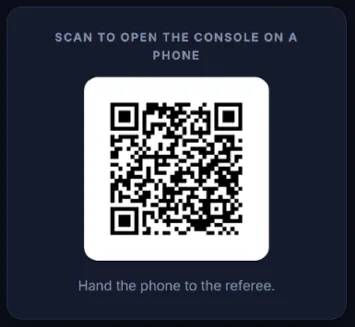
The console QR code on the Match ready page -
Use the pregame lobby Free
Tap 🏟️ Pregame lobby for a big screen to show while players warm up. It turns into the scoreboard by itself once scoring starts.
- A TV code works while the match is waiting to start, live or saved for later. It stops working when the match ends.
Something not working like this?
Tell us what happened, or what is missing. We read every message.