Score card games
Score All keeps the score sheet for 10 card games: Spades, Hearts, Euchre, Gin Rummy, Rummy 500, Cribbage, Pinochle, Canasta, Oh Hell and Hand and Foot. You enter each hand; the sheet does the math.
Plans: Free What each plan includes
-
Start a card game Free
Tap Play and pick a game under Card games. Pick a preset or set the rules, then tap Next: who is playing →.
-
Seat the players Free
Partner games like Spades and Euchre have two sides of two. In games like Hearts, everyone plays for themselves and gets their own seat. Choose how many play with the Players rule.
-
Enter a hand Free
After each hand, fill in the form at the top of the console. In Spades that is each player’s Bid and the Tricks they took. In Hearts it is each player’s Points. A check line tells you when the numbers add up. Tap Add hand.
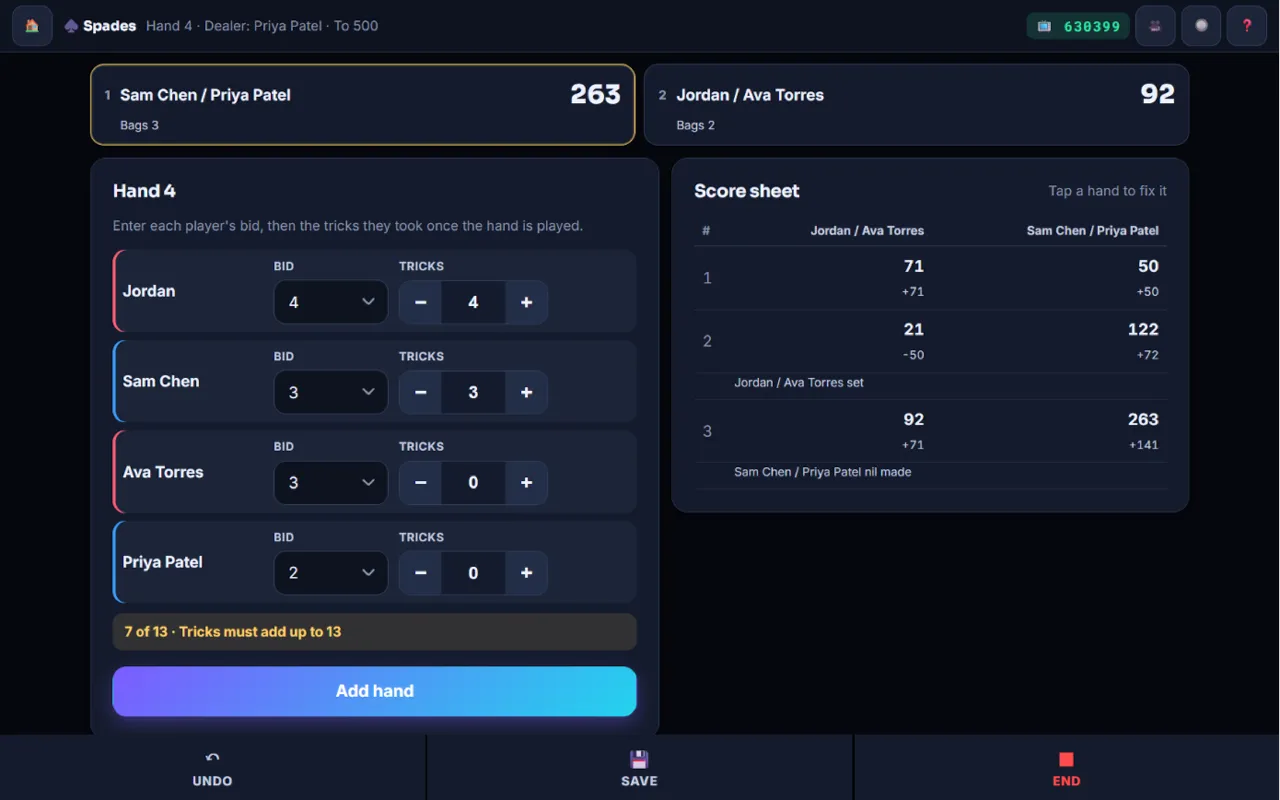
The hand form for a game of Spades 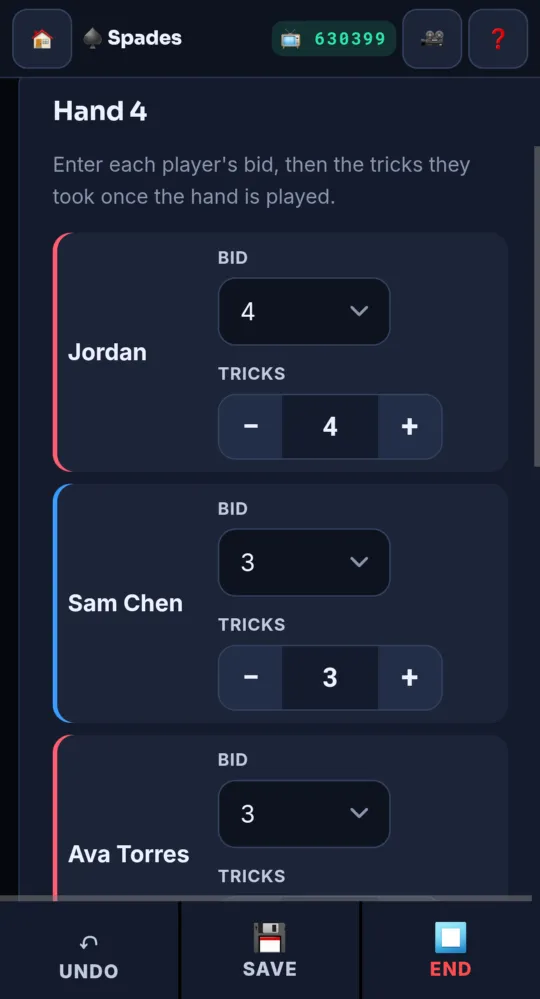
On a phone -
Read the score sheet Free
Every hand you add appears on the Score sheet with running totals. The standings at the top show who leads.
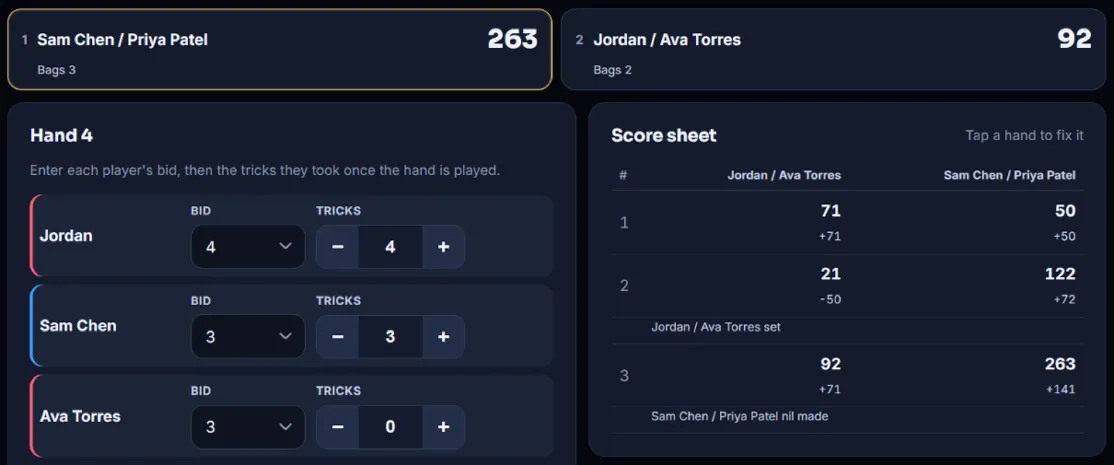
The score sheet with running totals 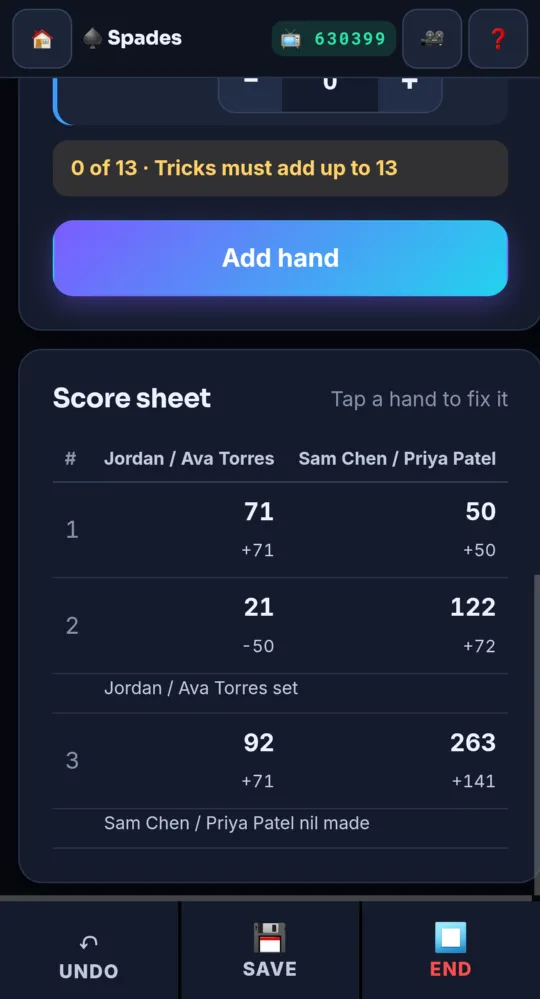
On a phone -
Fix a hand Free
Tap any hand on the score sheet. The form changes to Fix hand and the hand’s number. Change what was wrong and tap Save hand. Every total after it is worked out again.
-
Cribbage works a little differently Free
Cribbage has peg buttons for each side (+1 up to +12, or + count… for any number) and a Next deal button that passes the crib.
-
End the game Free
The game ends by itself when someone reaches the target. You can also tap ⏹ End.
- ↶ Undo removes the last hand you added.
- Is your card game missing? Pick the custom card game for a plain score sheet, and tell us which game you want.
Something not working like this?
Tell us what happened, or what is missing. We read every message.