Stats, history and your lifetime record
Every match you play is saved, on every plan. Free shows your rating and recent results. Pro and Premium open your whole history and your lifetime record against each opponent.
Plans: Free Pro and up What each plan includes
-
Your dashboard numbers Free
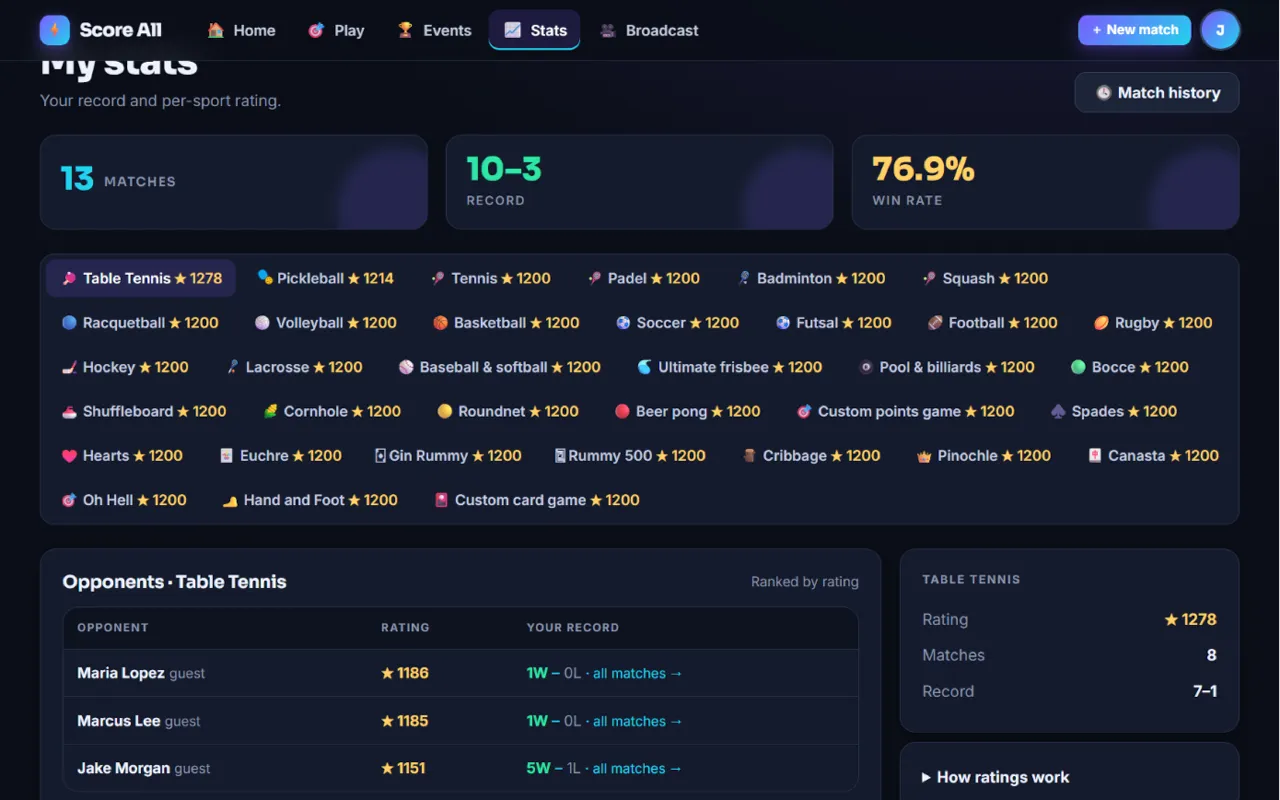
Your dashboard shows Matches, Record and Win rate, your Recent matches and a Ratings card.
-
Open My stats Free
Tap 📈 Stats. Pick a sport to see your rating, your matches and your record for it. Open How ratings work for the details.
My stats with ratings and records 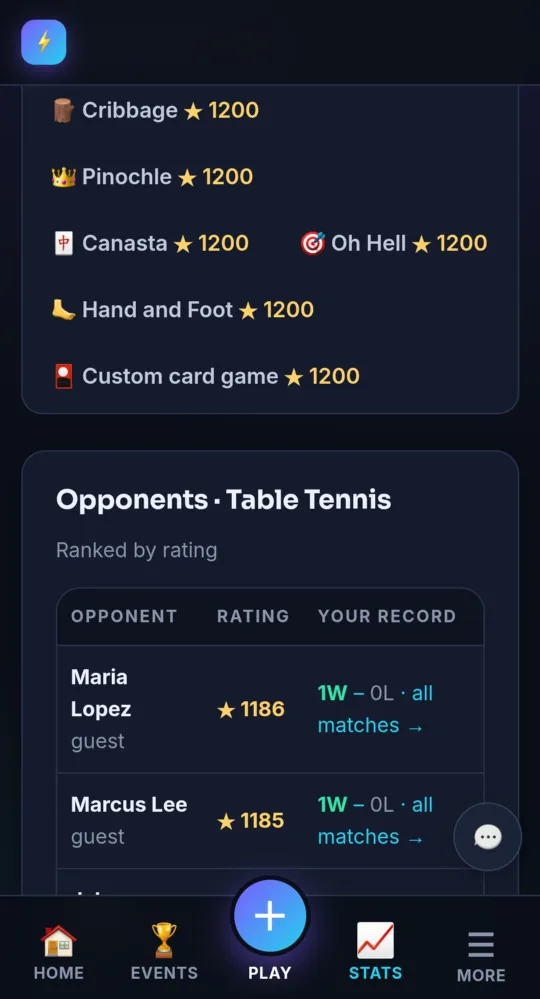
On a phone -
How ratings work Free
Everyone starts at 1200 in each sport. Beating a stronger player gains more. Only matches against a tracked opponent count: someone added with an email or an account. Name-only guests do not count.
-
See your opponents Pro and up
On the stats page, Opponents lists everyone you have played in that sport, their rating and your record against them.
-
Search your match history Pro and up
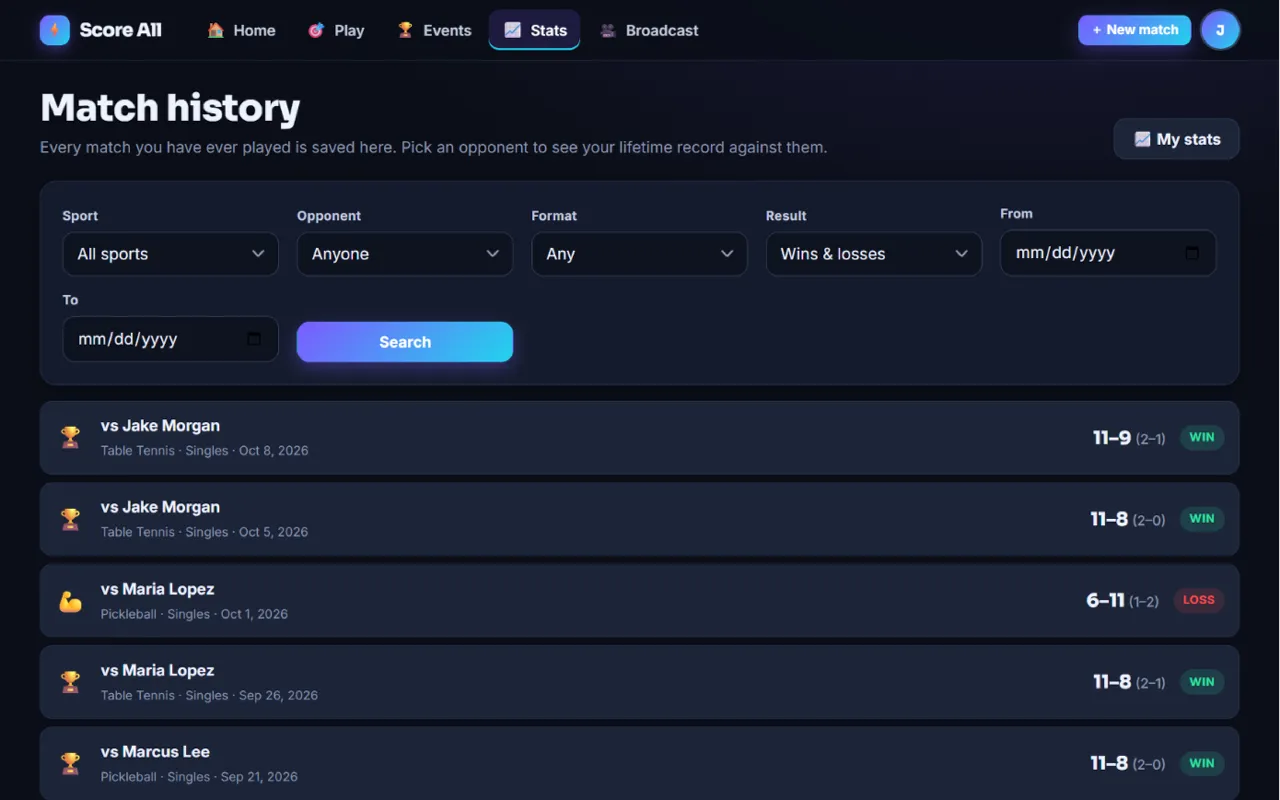
Tap 🕓 Match history in the menu or on the stats page. Filter by Sport, Opponent, Format, Result, From and To, then tap Search. Tap a match to open it with its play-by-play.
Match history with filters 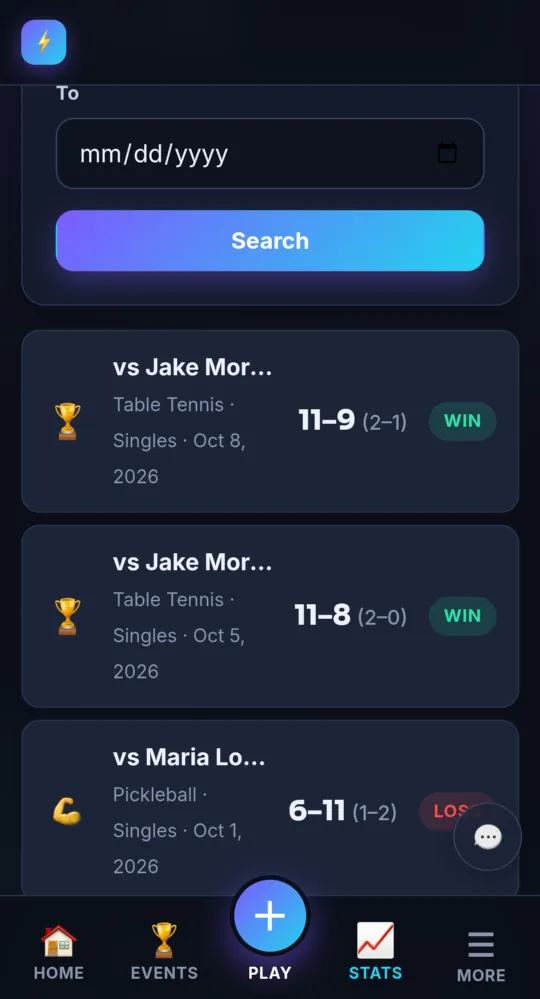
On a phone -
Your lifetime record Pro and up
Pick someone under Opponent. The Lifetime head-to-head card shows You vs them, your wins and losses across every sport and card game, and when you last played.
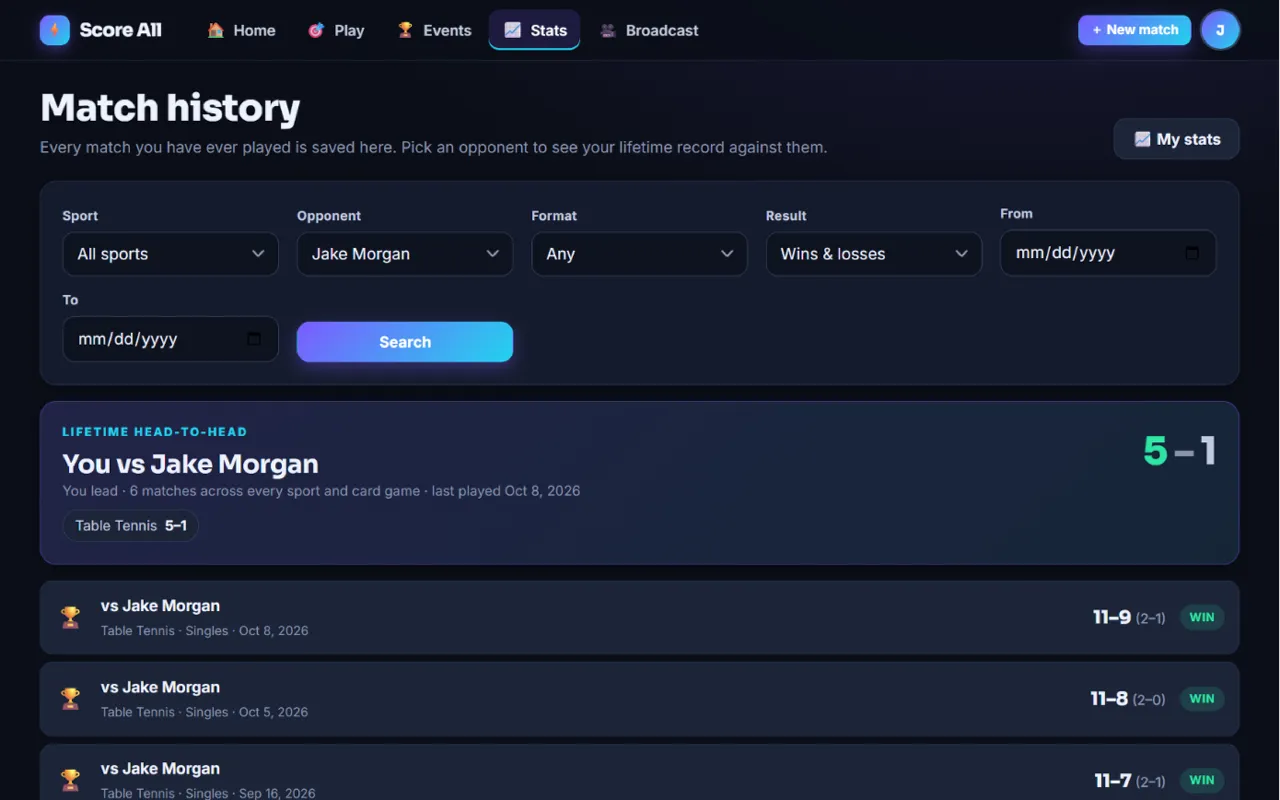
The Lifetime head-to-head card 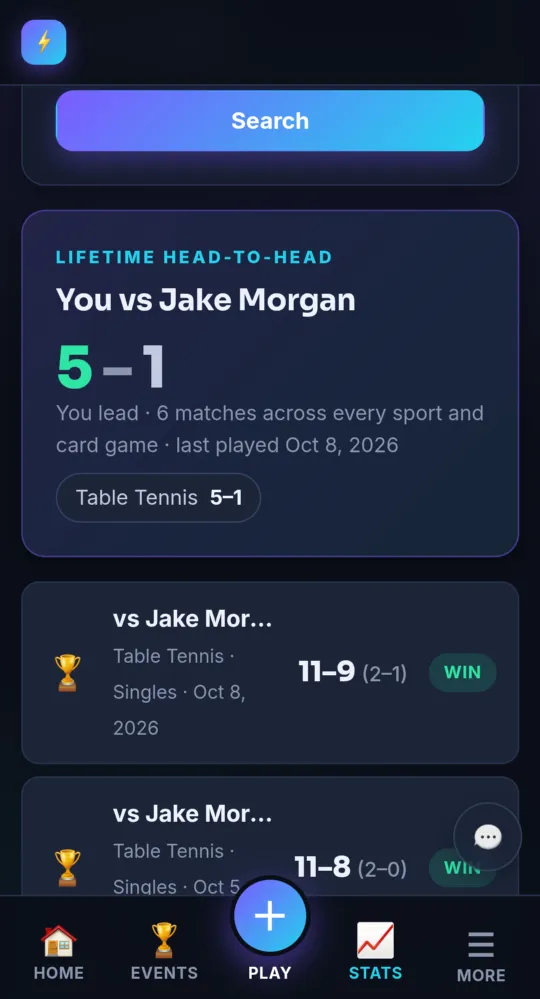
On a phone -
Jump from stats to history Pro and up
On the stats page, tap all matches → next to an opponent to see your history with them.
- Upgrading opens your whole history, all the way back to your first match. Nothing is lost on Free.
Something not working like this?
Tell us what happened, or what is missing. We read every message.