Save for later, score offline and use remotes
Three tools for real-world games. Offline scoring is on every plan. Saving a game and remote button links follow the plan of the person who created the match.
Plans: Free Pro and up What each plan includes
-
Open the console once with signal Free
Offline scoring works on the referee console. Open it once while you have a connection, so your phone keeps a copy.
-
Keep tapping when the signal drops Free
If the connection drops, keep scoring. The top bar shows 📴 Offline and how many taps are saved on this phone.
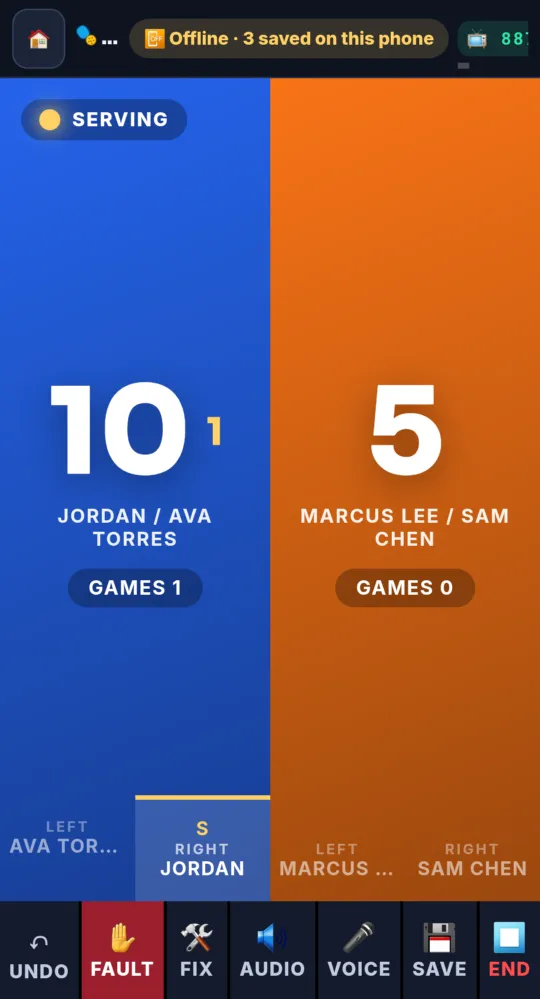
On a phone -
Let it catch up Free
When the connection comes back, the saved taps go up in order, with the right times. You see ⟳ Syncing, then Back online. The scoreboard link, TV and overlay catch up by themselves. Ending a match works offline too; the result goes out when you are back online.
-
Save a game for later Pro and up
Rain, dinner, darkness? Tap 💾 Save in the console’s bottom bar. Pick why you are stopping, add a note and, if you know it, when you will pick it back up.
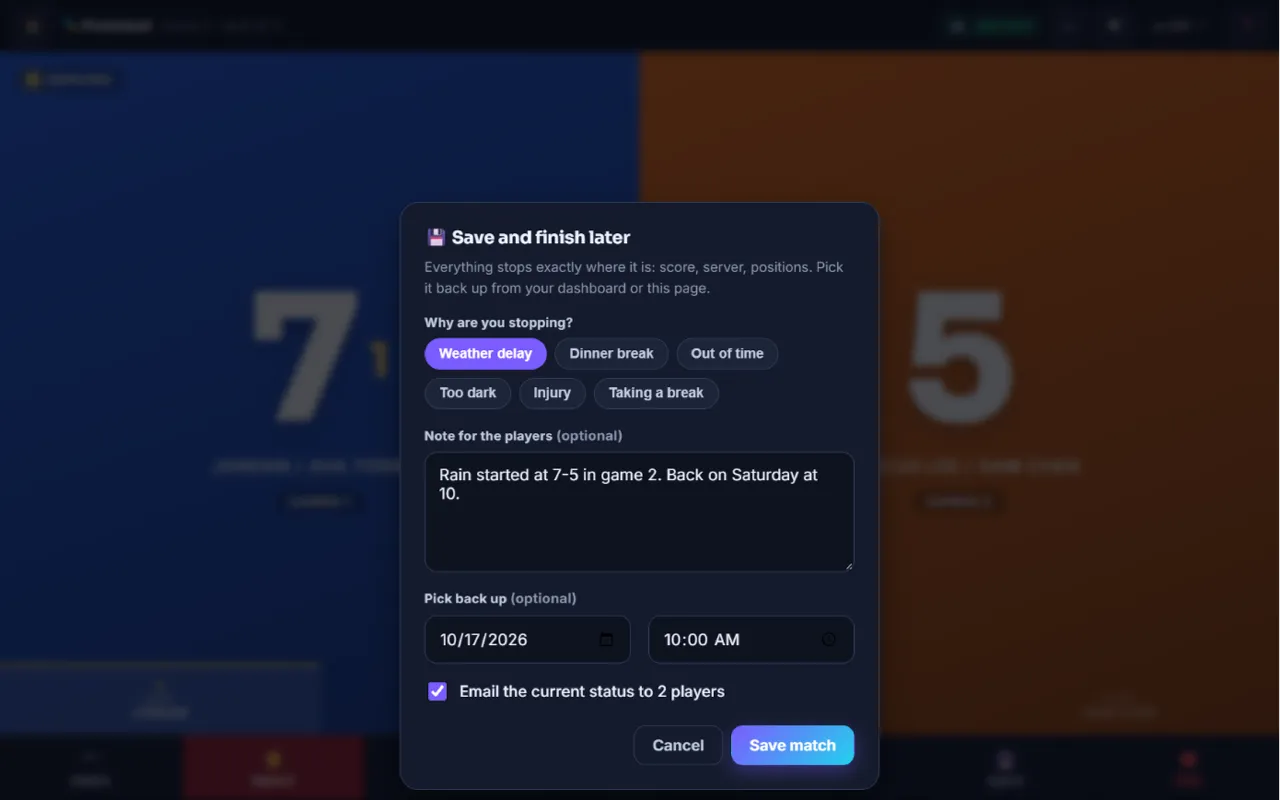
The Save and finish later window 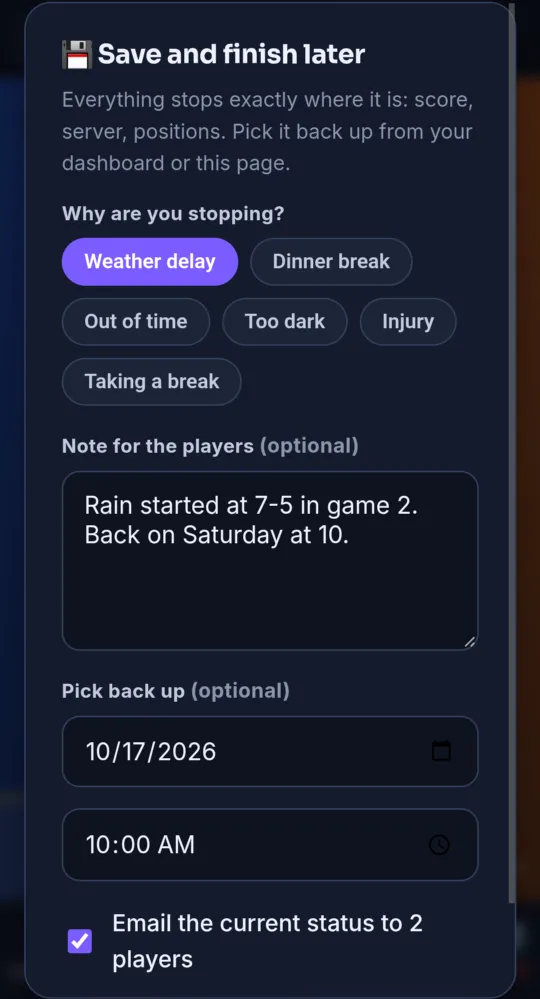
On a phone -
Tell the players Pro and up
Keep Email the current status ticked to send everyone the exact score, server and clock. Tap Save match. Saving needs a connection, because it sends the emails.
-
Pick it back up Pro and up
Your dashboard shows 💾 Saved games. Tap Resume → to open the console, then tap ▶ Resume now. Everything is where you left it. A clock stays stopped until you start it.
-
Score with a keyboard, clicker or pedal Free
On a computer, ← scores for the left side and → for the right side. Backspace is undo. Many Bluetooth clickers and foot pedals act like a keyboard, so they work the same way.
-
Use remote button links Pro and up
Tap 🔘 in the console’s top bar to open Hardware remote. It has three web addresses: a point for side A, a point for side B, and undo. Point a smart button or a small computer at them. Copy A, Copy B and Copy undo copy each one.
-
Keep remote links private Pro and up
Anyone with a remote link can score. If one leaks, tap Regenerate token. The old links stop working.
- A saved game shows Saved on its scoreboard link, and keeps its TV code and its tournament court.
- Saved games are listed on the dashboard of the person who created the match.
Something not working like this?
Tell us what happened, or what is missing. We read every message.