Get started with Score All
You need an account to keep score. Watching a score never needs one. Signing up is free, needs no card, and takes about a minute.
Plans: Free What each plan includes
-
Open the sign-up page Free
Go to score-all.com/register, or tap Start free at the top of any page. The page says Start scoring free.
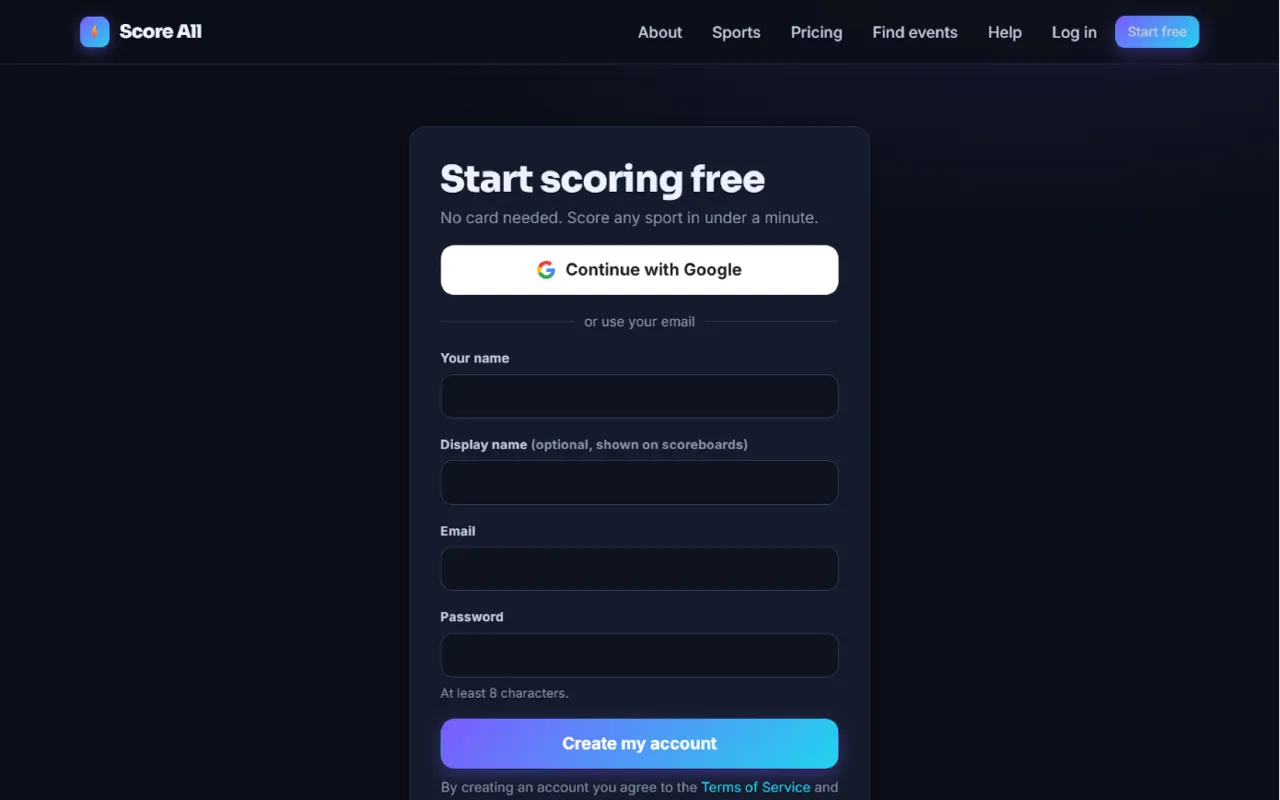
The Start scoring free sign-up page 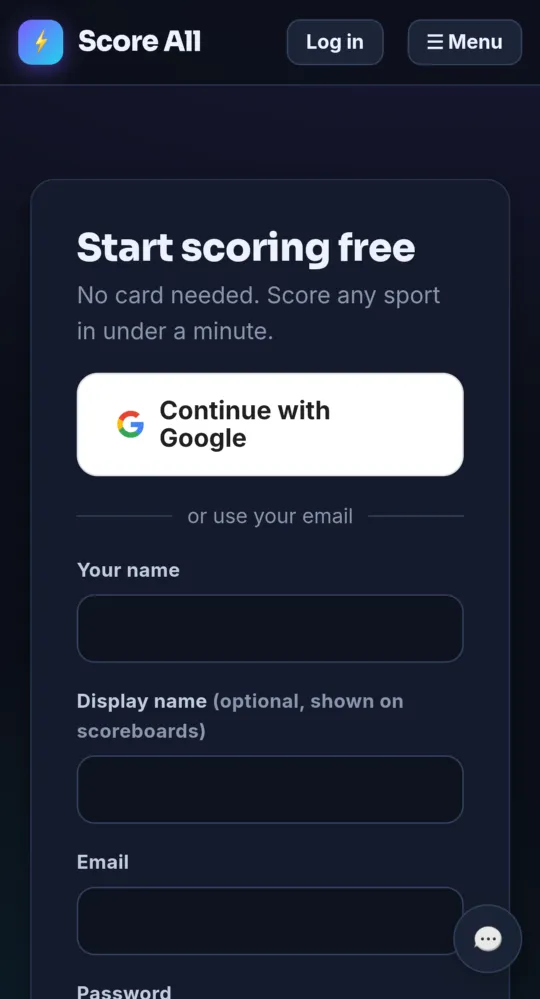
On a phone -
Sign up with Google (fastest) Free
Tap Continue with Google and pick your Google account. Your email is confirmed right away, so you go straight to your dashboard.
-
Or sign up with your email Free
Fill in Your name, Email and a Password of at least 8 characters. Display name is optional; it is the name shown on scoreboards. Tap Create my account.
-
Confirm your email Free
We send you an email called “Welcome to Score All - confirm your email”. Tap Confirm my email in it. The link works for 72 hours. You are signed in and see You are in! Tap Score your first match, or Or go to your dashboard.
-
No email? Get a new link Free
Check your spam folder for mail from score-all.com. Still nothing? Go to score-all.com/login, enter your email and password, and tap Send me a new link. To use a different email address, create a new account with it.
-
Find your way around the dashboard Free
Your dashboard is Home. It shows any match you can resume, Quick Play w/Last Settings (one tap replays a sport with the rules you used last time), your Matches, Record and Win rate, Recent matches, your Events and your Ratings.
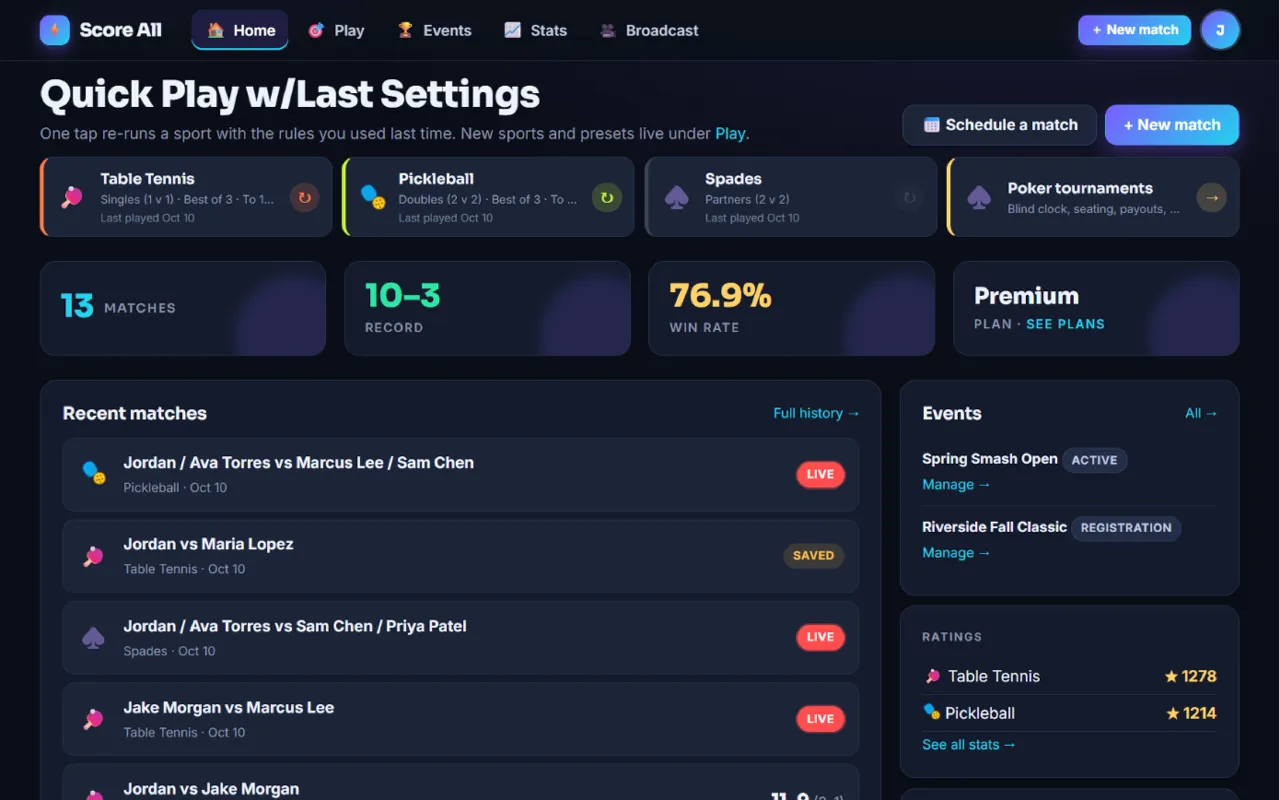
The dashboard with Quick Play, stats and recent matches 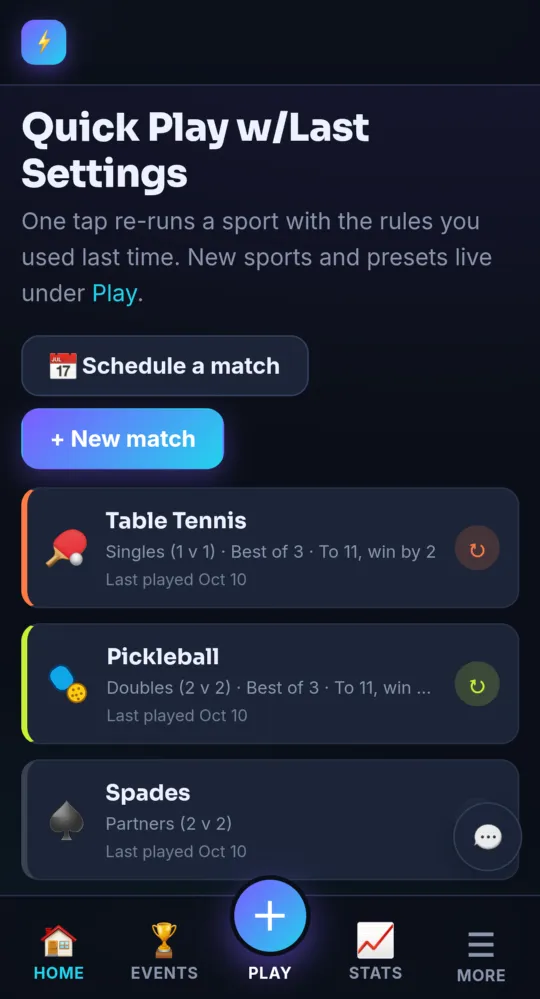
On a phone -
Use the menus Free
On a computer, the top bar has Home, Play, Events, Stats and Broadcast, plus + New match and your avatar menu. On a phone, the tab bar at the bottom has Home, Events, + Play, Stats and ☰ More. The avatar menu and More hold the same links: Settings, Plans, Match history, Broadcast & overlays, Connect a TV, TV screens, Help and more.
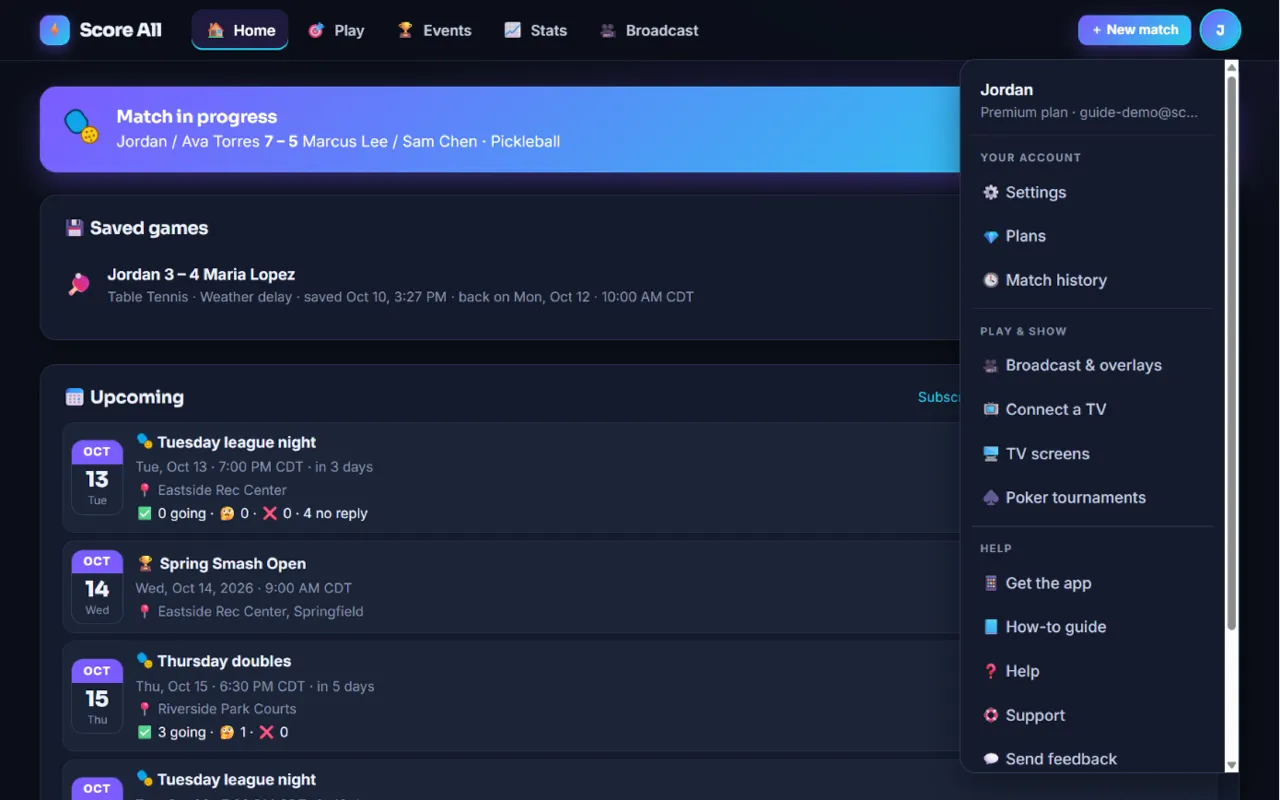
The avatar menu on a computer and the More sheet on a phone 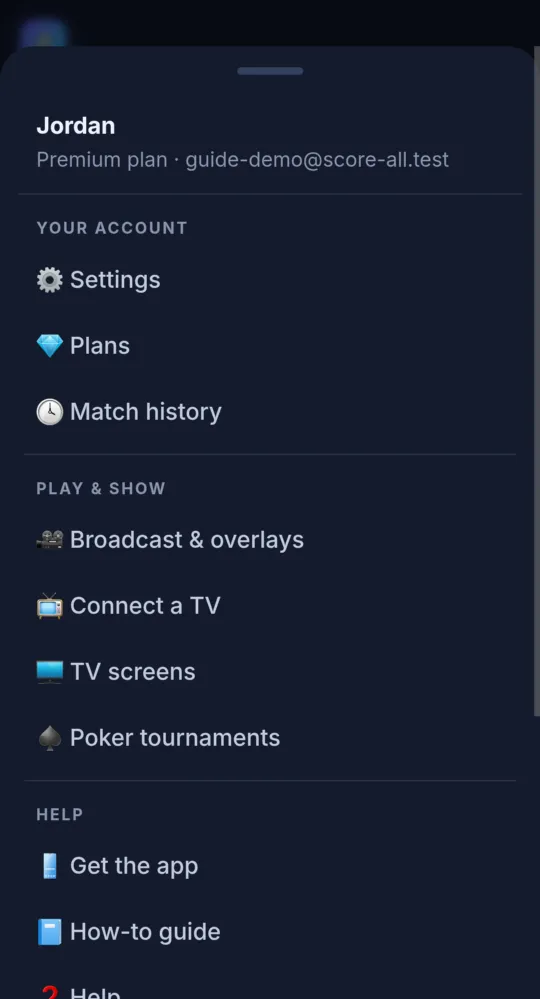
On a phone
- Spectators never need an account. Scoreboard links, TV screens, overlays and public tournament pages work for anyone.
- Forgot your password? Tap Forgot your password? on the log-in page.
Something not working like this?
Tell us what happened, or what is missing. We read every message.